

Edit your profile
Your account profile is the personal info attached to your Grouptizer login — separate from any store-specific details.
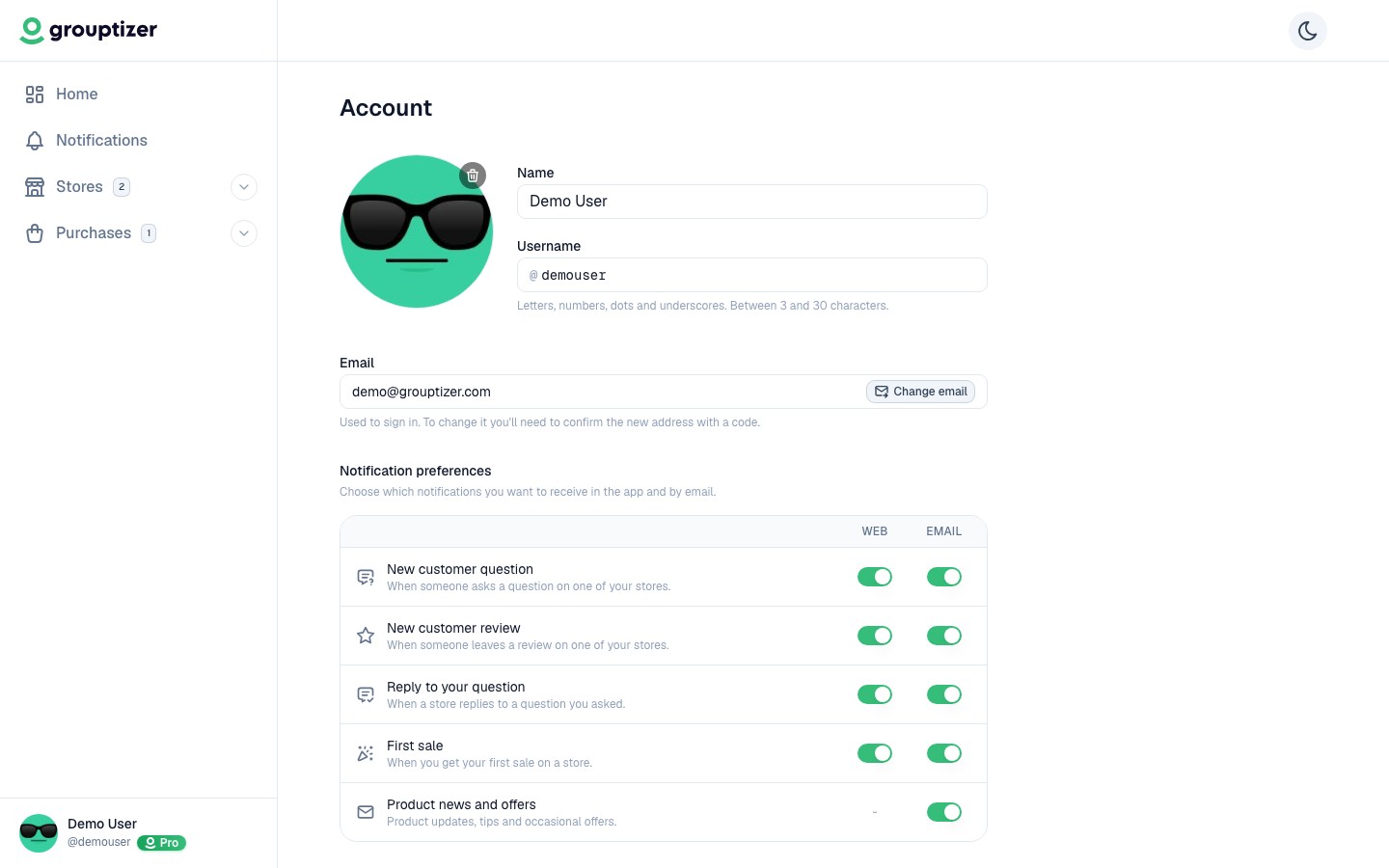
Editable fields
Section titled “Editable fields”- Avatar — JPG or PNG image. Shown next to your name in the dashboard.
- Display name — how your name appears in the dashboard.
- Username — unique identifier for your account.
Click any field, edit, save inline.
Changing your email
Section titled “Changing your email”Email is also changed from the same screen, through a modal with verification.
- Click Change email next to your current email.
- Enter the new email.
- Grouptizer sends a verification code to the new email.
- Enter the code in the modal to confirm the change.
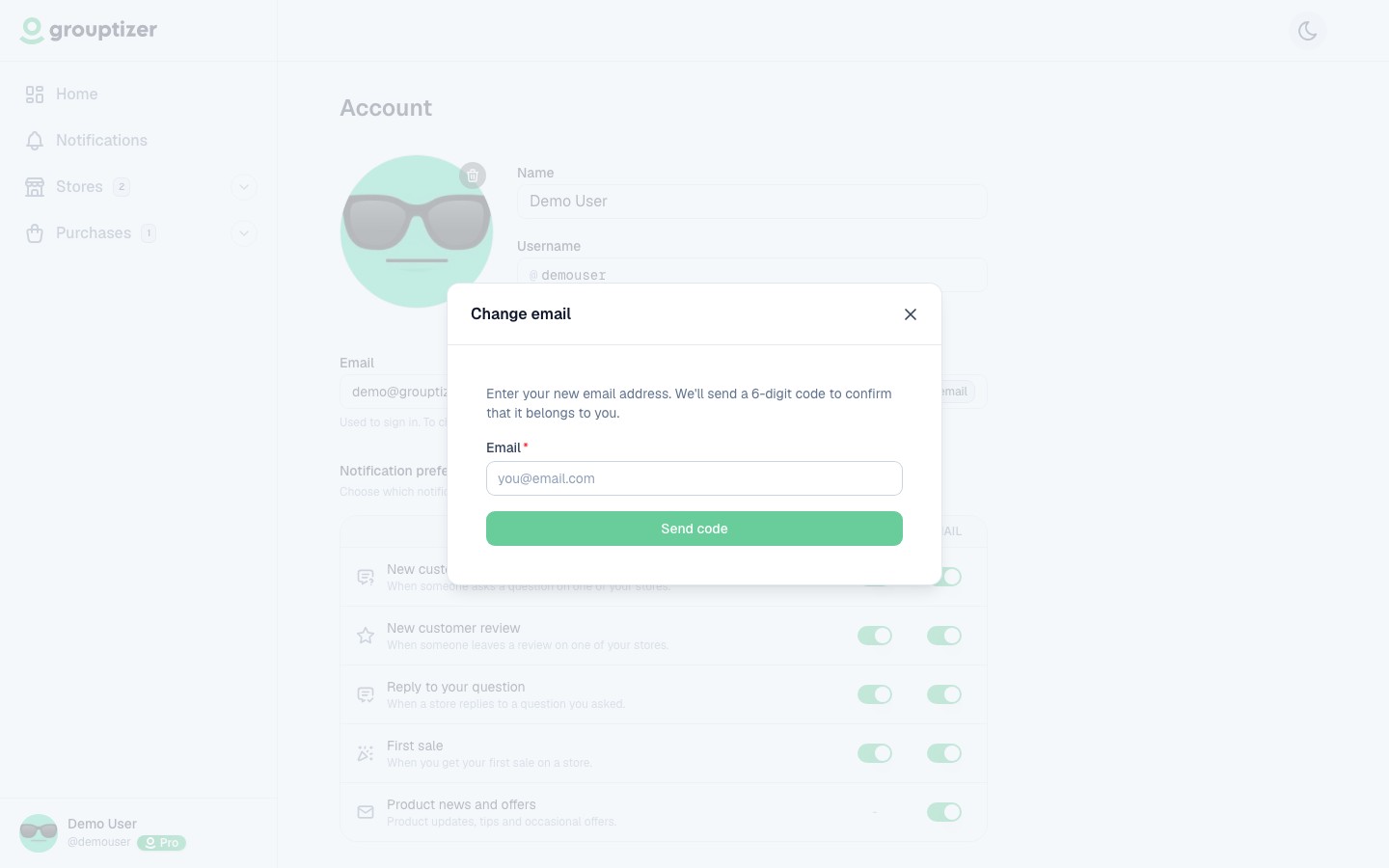
Until you verify, you keep logging in with the old email. Once verified, all login codes go to the new email.