

Link a discussion group to a channel
Telegram lets a channel have a linked discussion group where members can talk. If you have one, you can link it inside Grouptizer so the bot manages it together with the channel.
What linking it does
Section titled “What linking it does”The link does not automatically add buyers to the discussion group: they can join voluntarily from Telegram. What it does do is let the bot remove the buyer from the discussion group when their access to the channel ends (subscription cancelled, period expired, etc.).
Without the link, when a buyer loses access to the channel they will still be able to participate in the discussion group until you remove them manually.
First link the channel and the discussion group on Telegram (this is a Telegram feature, not a Grouptizer one). Then, in your store’s integration in Grouptizer:
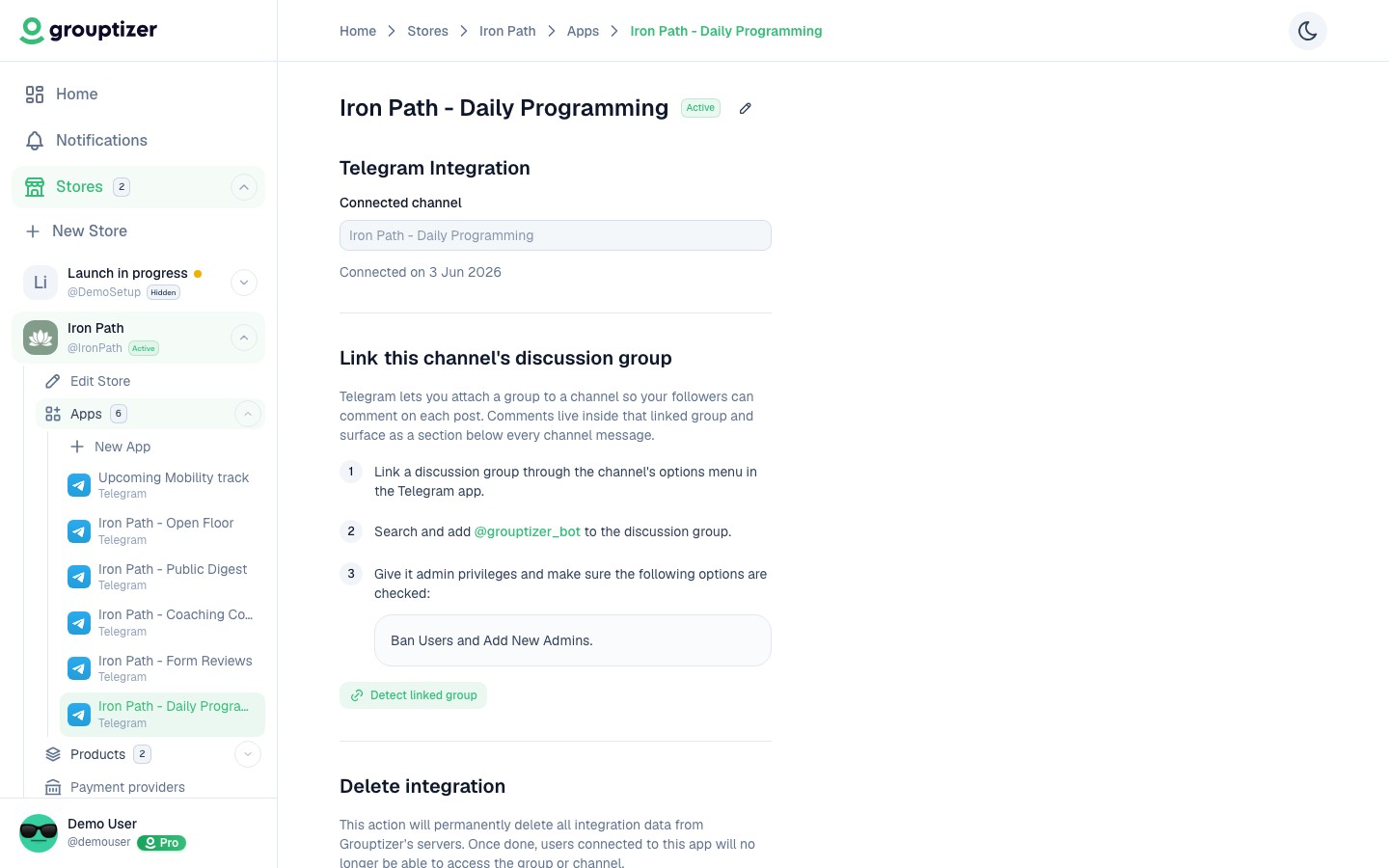
Follow the steps shown on screen:
- Link a Telegram group to your channel from Telegram (this is done inside Telegram, not here).
- Add @grouptizer_bot as an admin in the group too, with the same three permissions as in the channel: Invite Users via Link, Ban Users, and Add New Admins. Without them, the bot can’t remove buyers whose access has ended from the discussion group or filter their join requests, and you’ll be notified that the integration is broken.
- Click the button to detect the linked group from Grouptizer.
Once detected, the integration covers both:
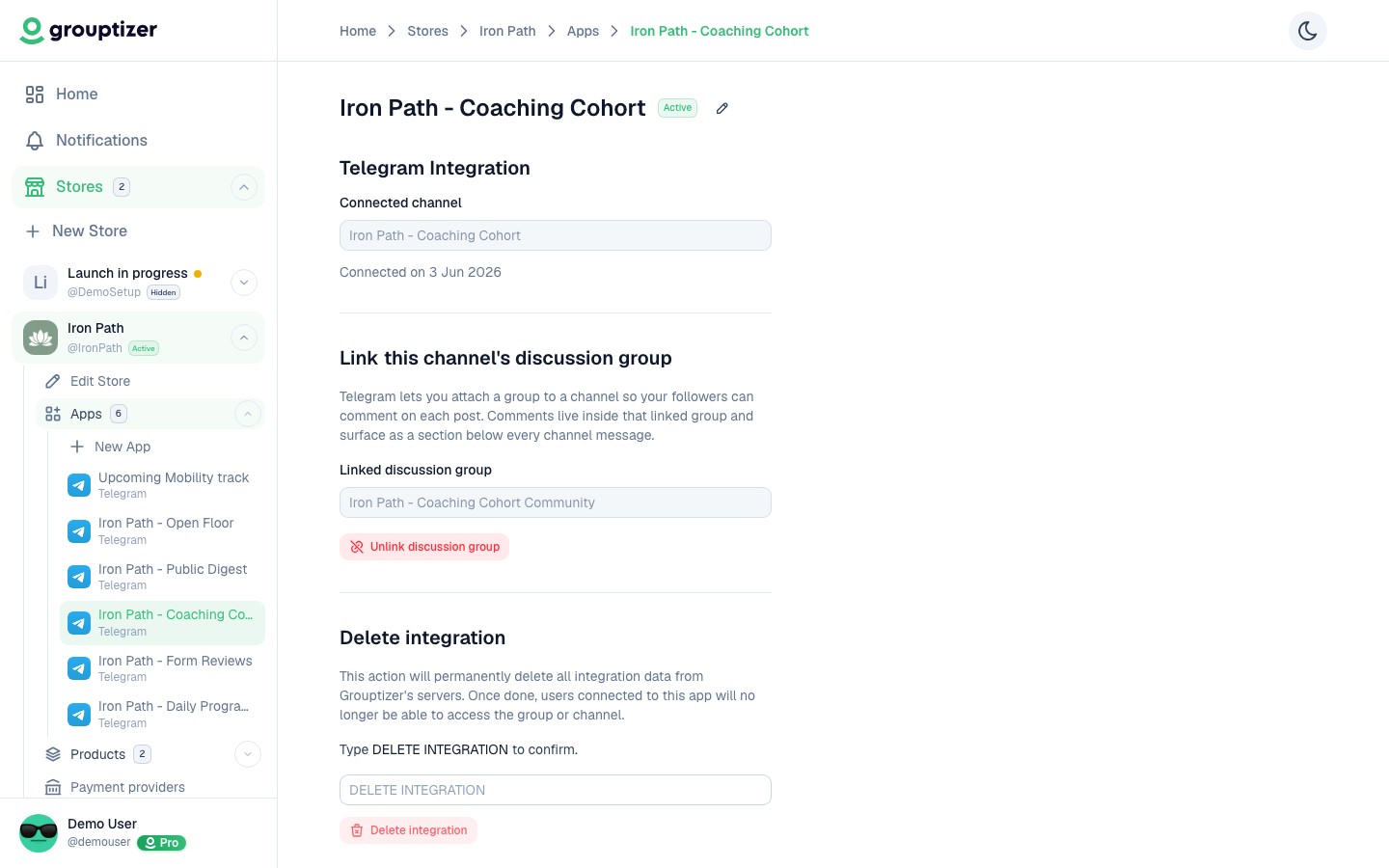
Unlinking
Section titled “Unlinking”You can undo the link from the integration. If you do, Grouptizer can no longer remove the buyer from the discussion group when their subscription expires or is cancelled — only from the channel. You’d have to remove them yourself from Telegram.