

Upgrade your plan
Plan changes are done from the Stripe customer portal, accessible from your Billing page.
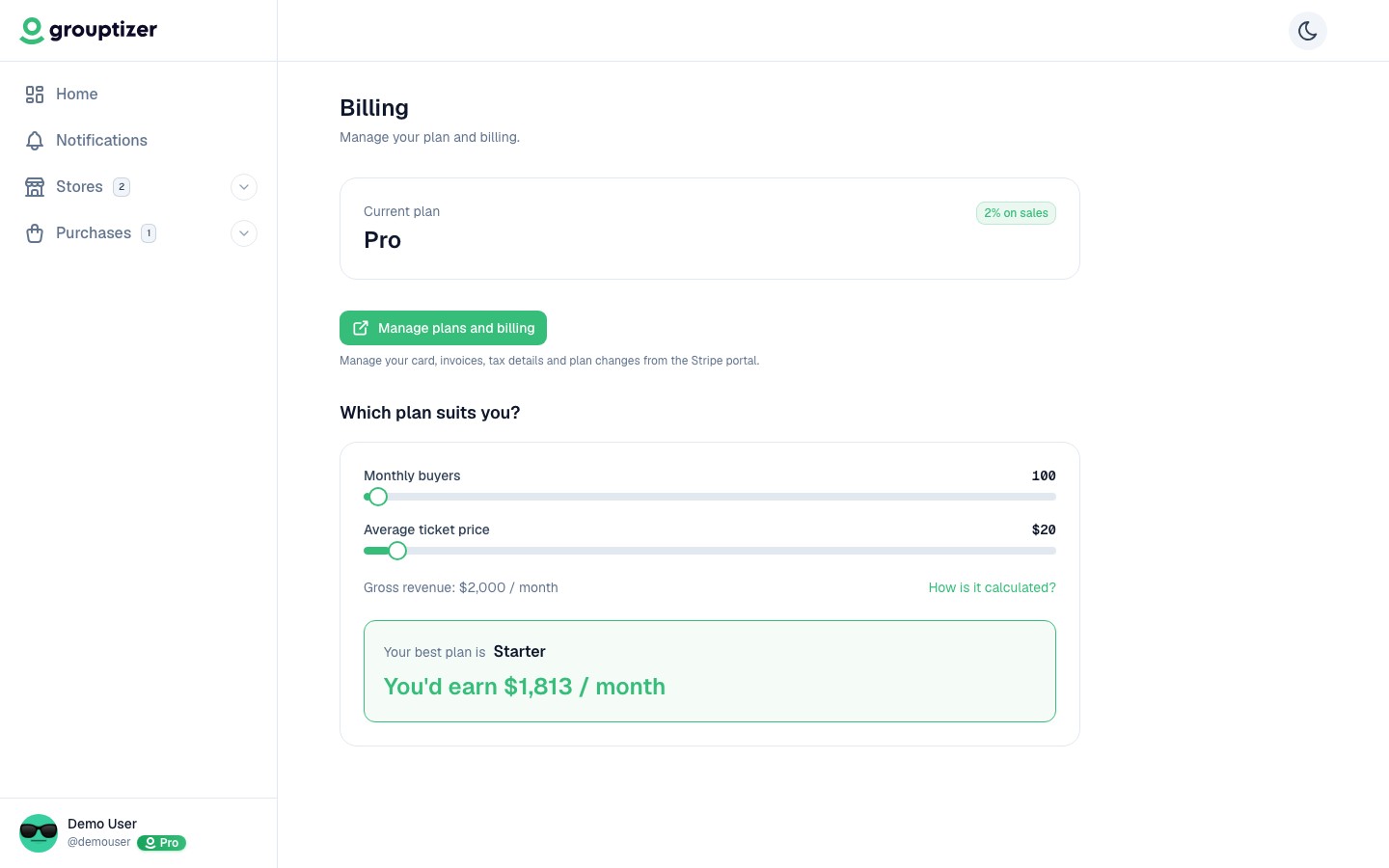
- Go to Account → Billing.
- Click Manage billing and plans. The Stripe customer portal opens.
- In the portal, pick the new plan and confirm the change.
- Stripe charges the prorated difference for the rest of the current period.
When it applies
Section titled “When it applies”Upgrades take effect immediately: you start paying the higher monthly fee right away, and the lower commission per sale kicks in for new charges.
Existing subscriptions you sold before the upgrade keep their old commission until their next renewal — see When a plan change updates your subscriptions.
Switching between monthly and yearly
Section titled “Switching between monthly and yearly”From the same portal you can switch billing from monthly to yearly (or the other way around) on your current plan. Stripe calculates the difference and charges or credits you accordingly.