

Create your Grouptizer account
You sign up with your email. Grouptizer sends a one-time code to confirm it — there are no passwords.
-
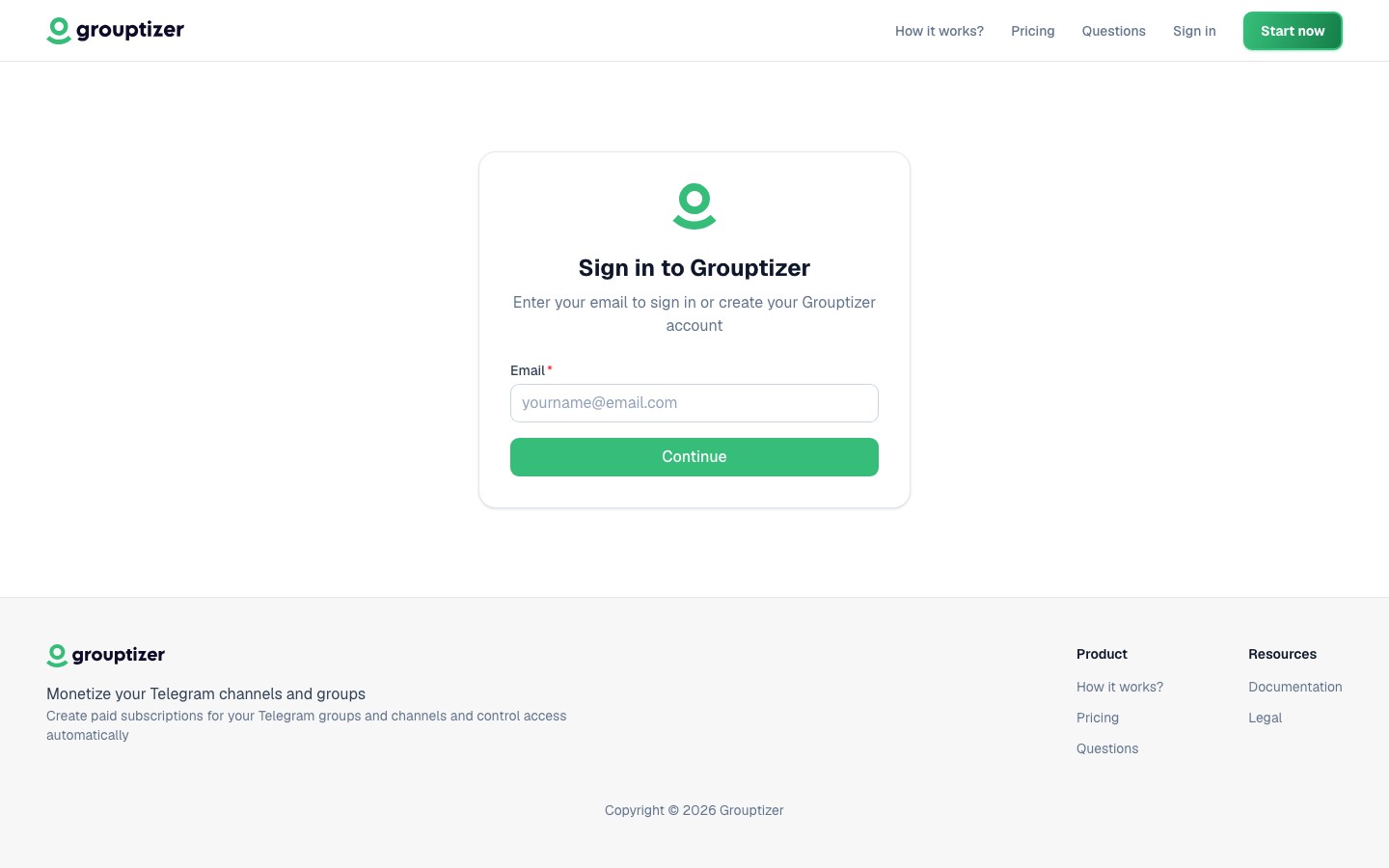
Go to the Grouptizer login page and enter your email.
-
Open your inbox and find the email with your code (6 characters).
-
Paste the code on the same page to confirm your email.
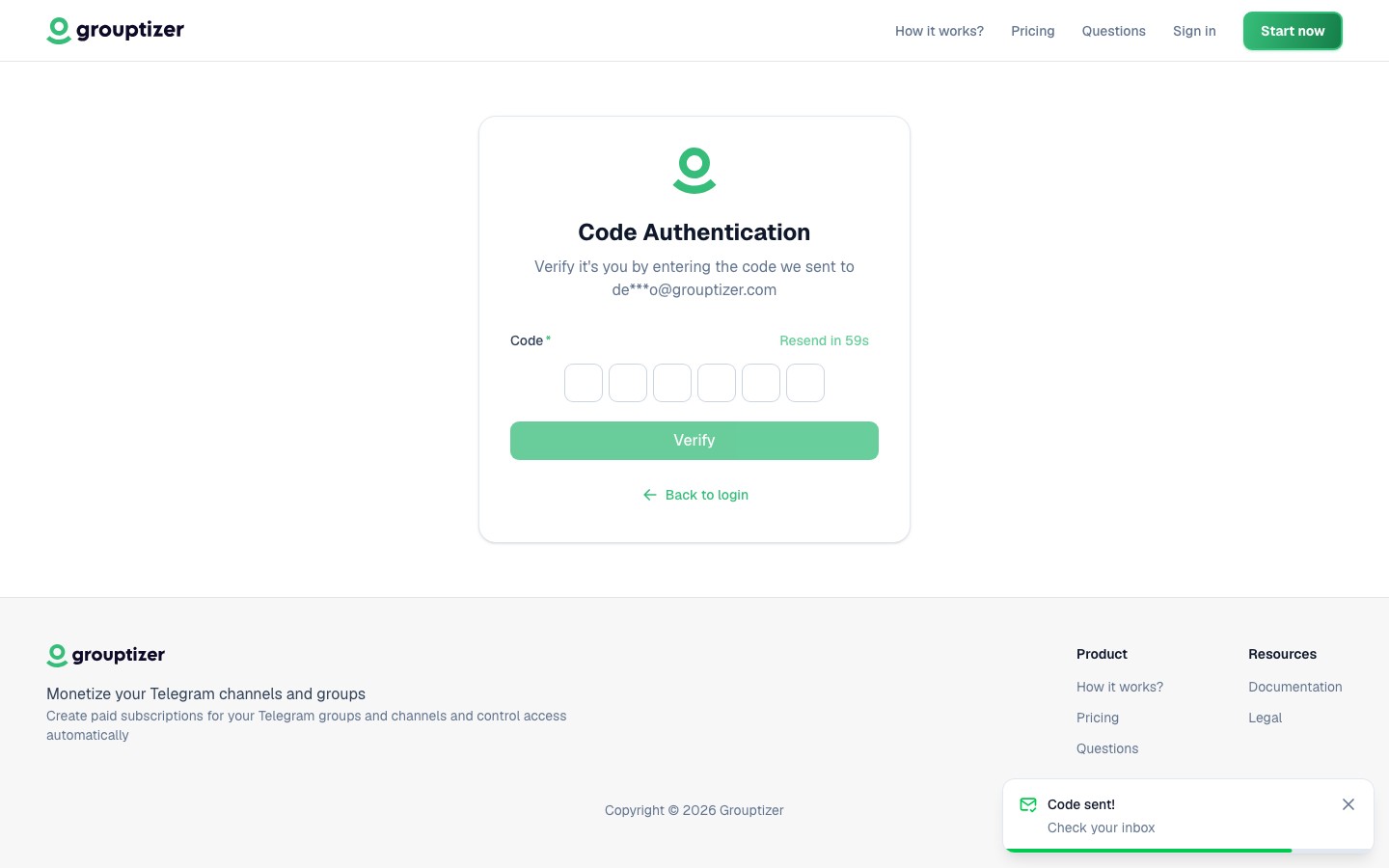
That’s it — your account is ready. Your username and display name are generated automatically from your email; you can change them later from your profile.
Why a code instead of a password?
Section titled “Why a code instead of a password?”Every login uses the same flow: type your email, get a code, paste it. You don’t have to remember a password and there’s no “forgot password” loop to deal with.