

Public questions
Anyone visiting your storefront and registered on Grouptizer can ask a public question. Other registered visitors can vote questions up so the most useful ones stand out. You answer them from the Questions screen and your answer appears publicly.
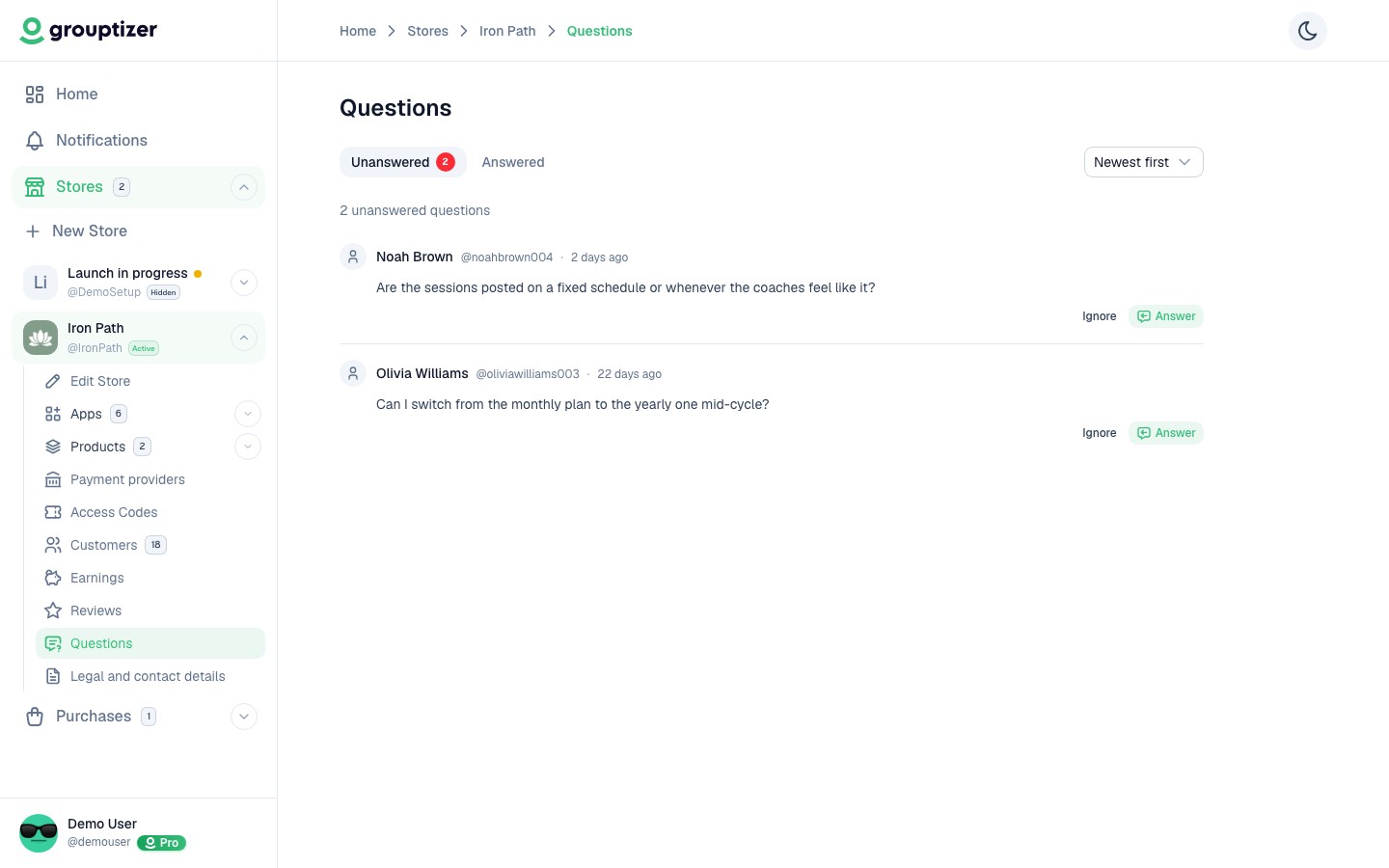
- Unanswered — new questions waiting for a reply.
- Answered — questions you’ve already replied to.
Sorting
Section titled “Sorting”- Newest, oldest, or most voted.
Replying
Section titled “Replying”- Click a question.
- Type your answer in the modal.
- Save. The answer is published right away on your storefront under the question.
Questions only appear on the storefront once answered. While they’re unanswered, only you can see them.
You can edit your answer later if you want to clarify or update it.
Other actions
Section titled “Other actions”- Ignore — remove the question from your “to answer” list. The question is not published on the storefront (no unanswered question is ever shown publicly).
- Delete — permanently remove the question.
Email notifications
Section titled “Email notifications”You can opt in or out of receiving an email when a new question arrives. See Notifications.