

Connect your Stripe account
Grouptizer uses Stripe to charge your buyers. The money lands directly on your own Stripe account — Grouptizer never holds your funds.
-
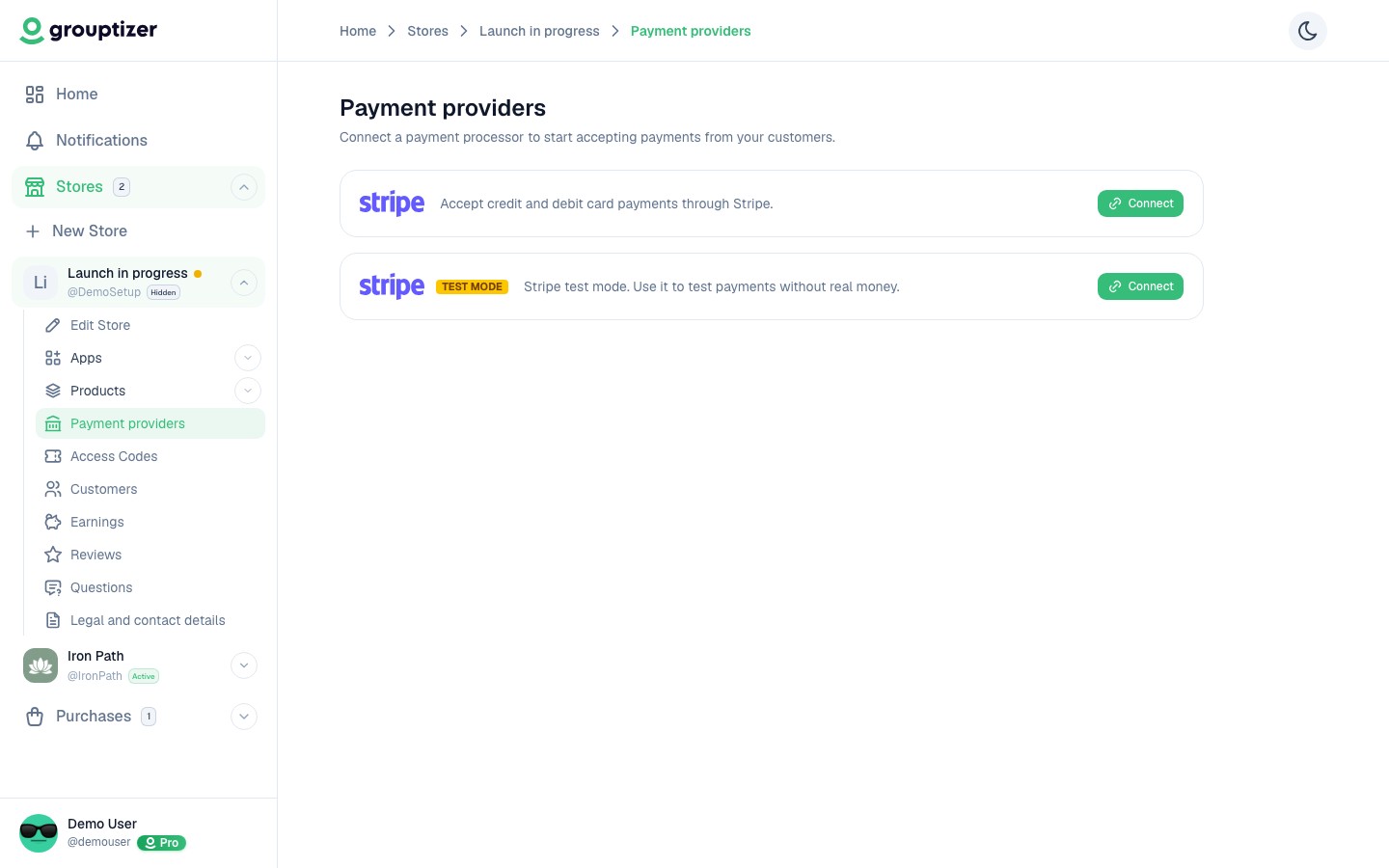
Open your store and go to Payment providers.
-
Click Connect next to Stripe.
-
You’ll be redirected to Stripe to log in (or create a Stripe account if you don’t have one).
-
Authorize Grouptizer to charge on your behalf.
-
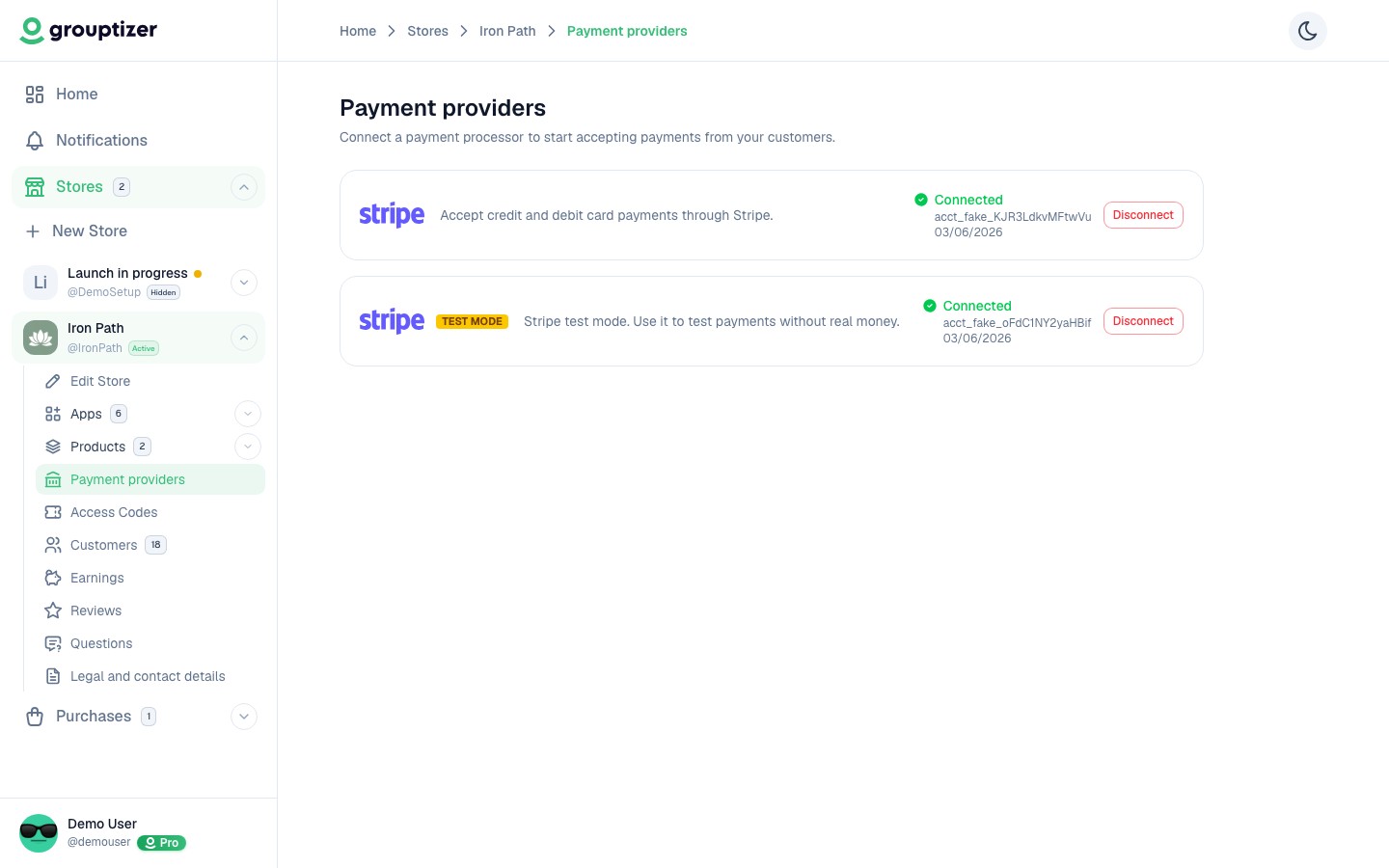
Stripe sends you back to Grouptizer. The Stripe card now shows Connected.
Live mode and test mode
Section titled “Live mode and test mode”Stripe has two environments. Both can be connected separately:
- Live mode — real charges with real money. Use this once you’re ready to sell.
- Test mode — for testing checkouts with fake cards. No real money moves. Useful before going live.
Each mode is its own Stripe account inside Stripe. Connect them as separate entries on the Payment providers screen.
Don’t have a Stripe account?
Section titled “Don’t have a Stripe account?”You can create one during the connection flow. Stripe will ask for your business and bank details so it can pay out to you. Until those are filled in, Stripe accepts charges but holds the money on its side.