

Publish your store and share its URL
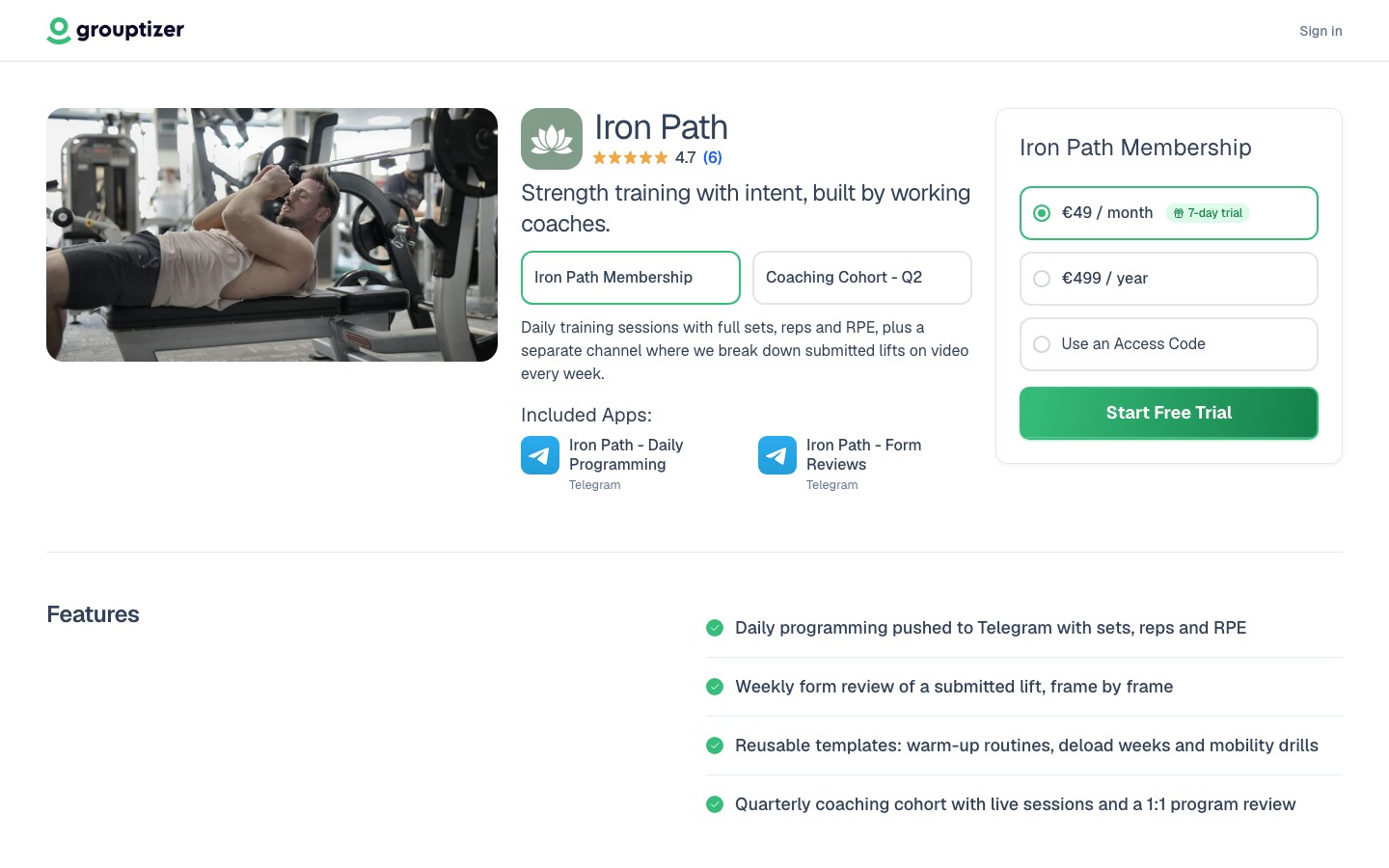
Once your store has a verified Telegram integration, a connected Stripe account, and at least one product with a price, you’re ready to publish.
- Open your store and go to Edit store.
- Change the status to Published. Your storefront is now public.
- Copy your store URL — it looks like
grouptizer.com/my-store. You can edit the final part under URL in the store editor. - Share that URL anywhere you want: your channel, social profiles, email signature, paid ads.
Required to publish
Section titled “Required to publish”Without these, the store can’t sell:
- Stripe connected (live mode if you want real charges).
- The Telegram integration in Verified status.
- At least one product with at least one price that has Stripe enabled.
Recommended for marketing (not required)
Section titled “Recommended for marketing (not required)”Selling doesn’t need anything beyond the above, but these make the store work much better:
- Logo, images and headline.
- A description that explains what the buyer will get.
- Features and FAQ.
- Links to your social profiles.
- A description on each product.
What happens when a buyer purchases
Section titled “What happens when a buyer purchases”- The buyer pays through Stripe.
- Grouptizer creates the purchase and grants access.
- The buyer signs in to Telegram via Grouptizer (with the official Telegram Login widget) so the system links their Telegram account to the purchase.
- Grouptizer shows them an invite link to the channel or group (with an optional QR).
- The buyer opens the invite link from Telegram and requests to join. The bot approves the request because the purchase is valid and the Telegram account is linked.
You don’t have to do anything — the bot approves valid requests and removes buyers when their access ends.